Education
NoteComet
NoteComet is a falling-notes piano practice app for the iPad that reads sheet music from photos, PDFs, or MusicXML and plays it back over a real piano.
Help piano students and hobbyists learn pieces faster by combining an on-screen falling-notes guide with their acoustic piano or keyboard. Who it is for: Piano students, teachers, and self-taught adults who want a falling-notes practice aid on the iPad or in the browser.
Features
- Imports scores from MusicXML or MIDI files with the hands split across staves
- Reads printed sheet music from photos or PDFs (up to 12 pages at a time)
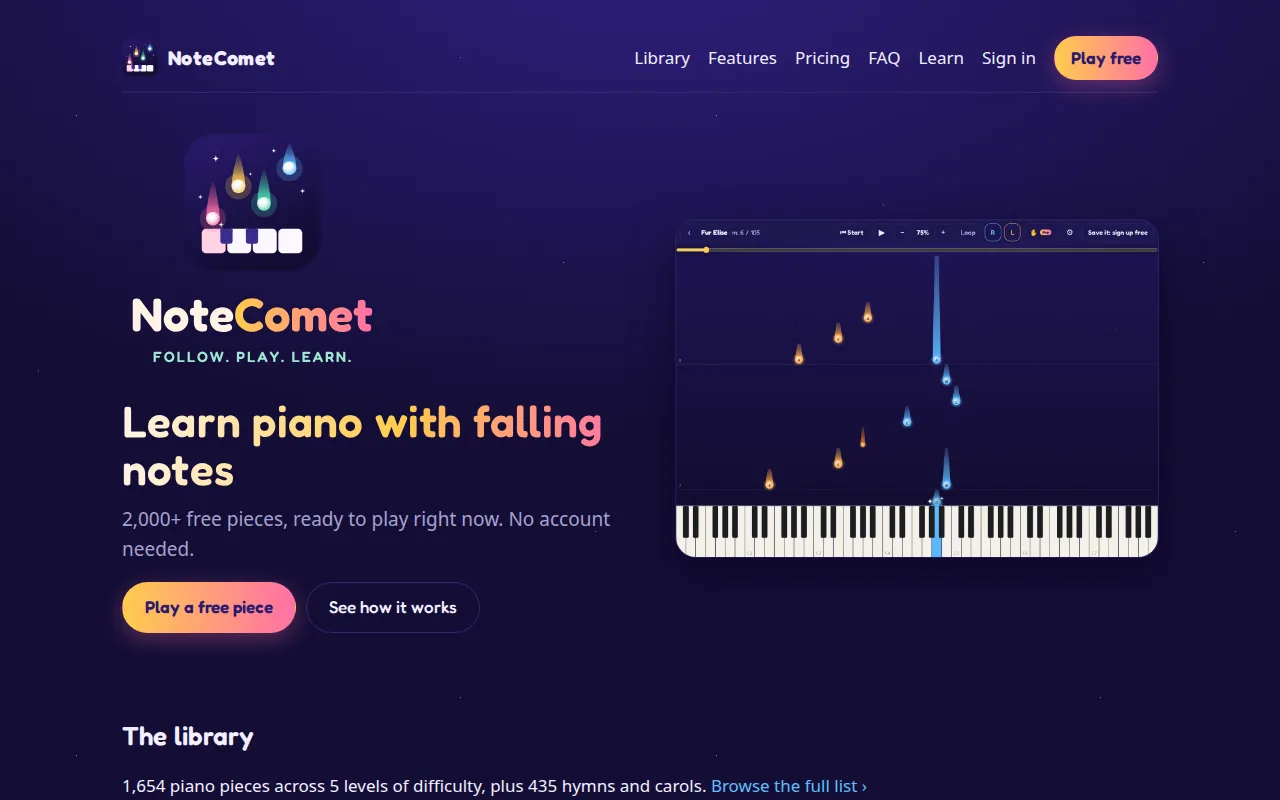
- Falling-notes display synced to a real piano — right hand blue, left hand orange
- Measure-by-measure review and repair for misread notes
- Free tier with MusicXML/MIDI imports; Pro tier adds photo/PDF reading and an always-on hand guide
Try NoteComet
Open the live product in a new tab.
Visit NoteComethttps://notecomet.com
Frequently asked questions
No. NoteComet only displays falling notes; it does not use the microphone or audio input. You play your real piano or keyboard along with the guide.
Yes. Snap or pick up to 12 photos (or one PDF) of pages in order, and the reader runs on the server's CPU. Reading a page typically takes 10–40 seconds. A review screen lets you fix any measures it had to repair.
MusicXML (.musicxml, .mxl, .xml), MIDI (.mid, .midi), and PDF or photo scans of printed music. MusicXML is preferred because it preserves the two-staff split that gives a clean hand assignment.
Free for MusicXML/MIDI imports. Pro is a paid subscription that adds photo/PDF reading and an always-on hand guide.